
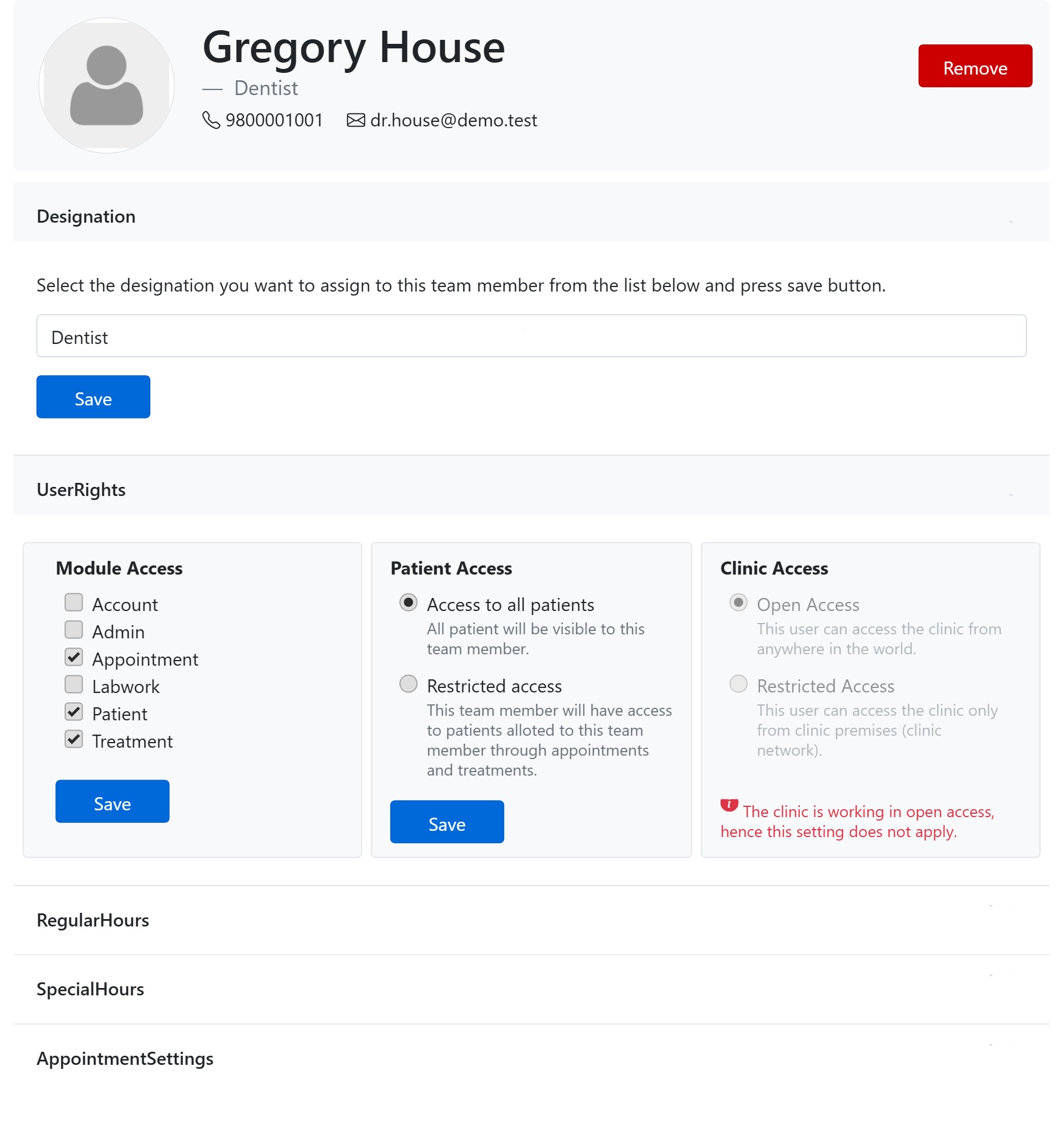
Patient Access decides whose records a team member can see. It is the second User Rights panel on a member’s details page, and it has two options:
Access to all patients
The member can see every patient in the clinic — the full patient list, search and records. This suits front-desk staff, managers and any dentist who needs the whole register at hand.
Restricted access
The member can see only the patients allotted to them — that is, patients linked to them through appointments and treatments. As soon as a patient is booked with, or treated by, this member, that patient appears for them; unrelated patients stay hidden. Use this for visiting specialists or associates who should only see their own caseload — a simple way to keep the wider patient register private.
Good to know
- Patient Access only matters if the person has the Patient module under Module Access — without that module there is no patient list to gate.
- The owner’s setting is locked to all patients.
- Set it and press this panel’s own Save.