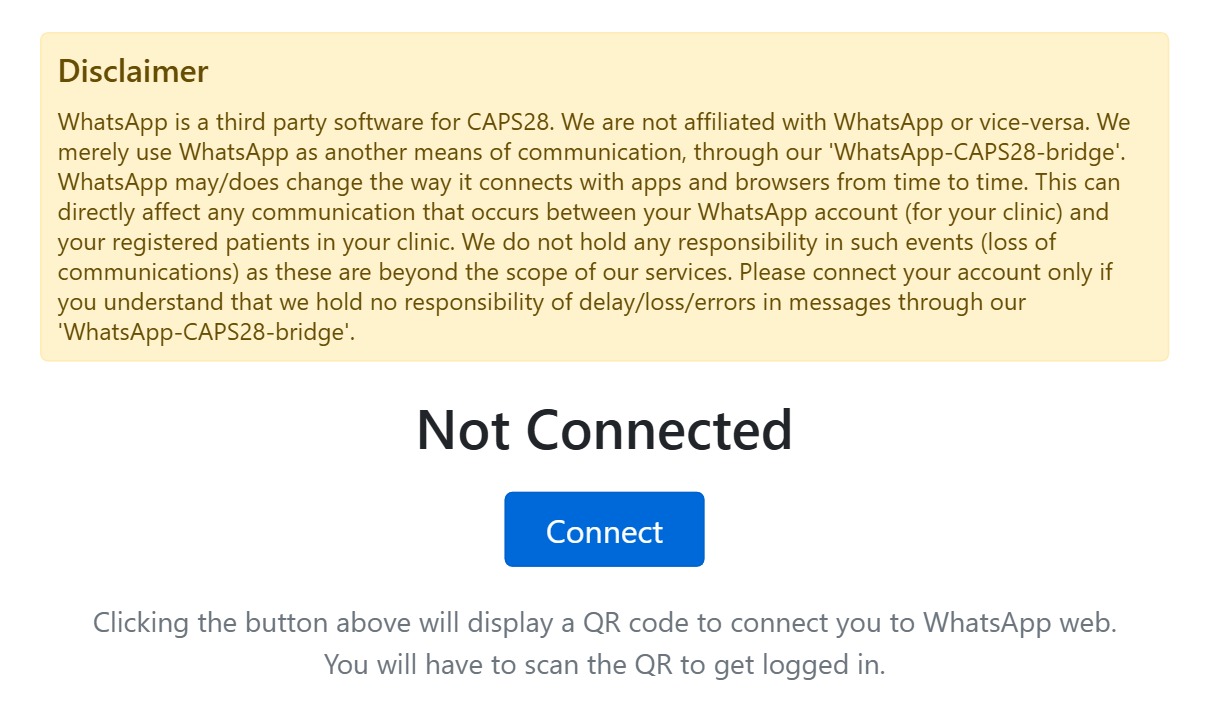
Link a WhatsApp number so CAPS28 can send appointment schedules and reminders over WhatsApp. From General settings, when it’s not connected the section shows a Connect button; clicking it displays a QR code that you scan from your phone (WhatsApp → Linked devices → Link a device) to pair the account through the RVG-Bridge. Once connected it shows the linked number and how to log out.
After connecting, two switches control what goes out: send appointment events to patients on WhatsApp, and send the daily appointment schedule to all users (each user can also be toggled individually from Team). WhatsApp is a third-party service reached through the RVG-Bridge; the on-screen disclaimer explains that delivery can be affected by changes WhatsApp makes, and that CAPS28 isn’t responsible for delays or losses — connect only if you accept that.