
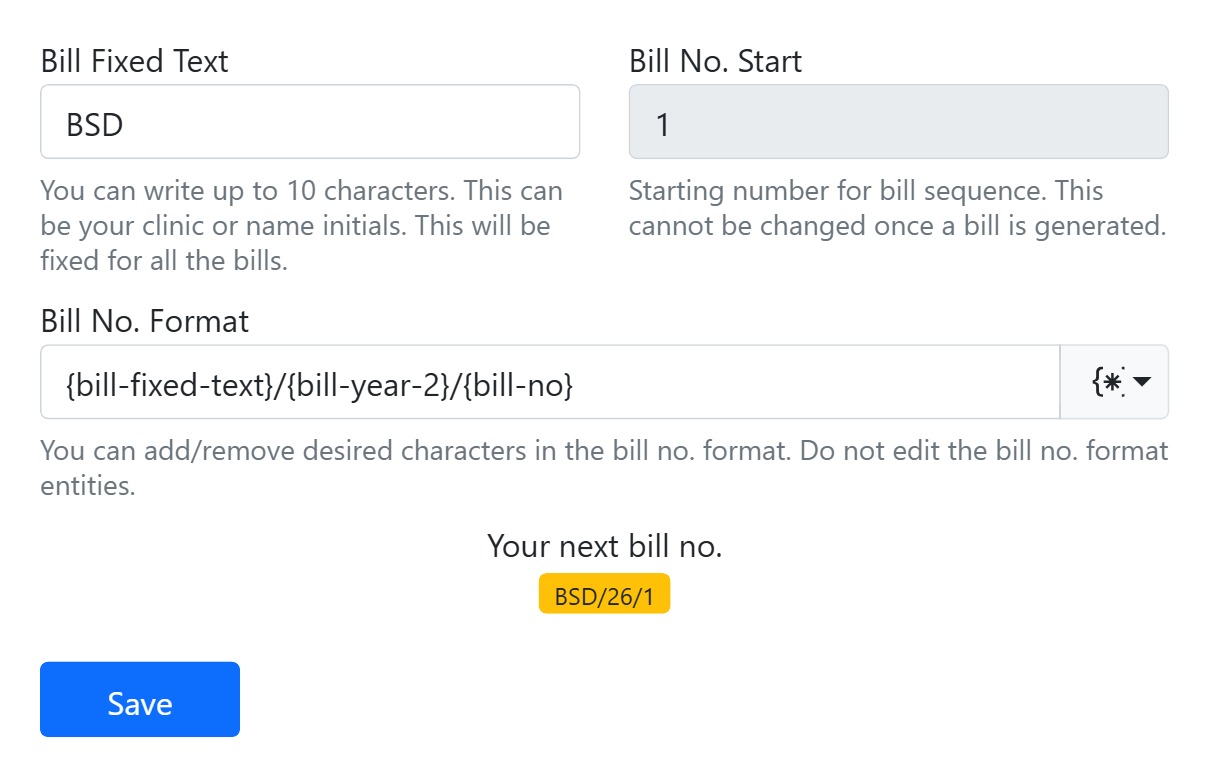
Design how invoice numbers are built. Set a Bill Fixed Text (up to 10 characters, e.g. your initials), a Bill No. Start (the first number in the sequence — locked once a bill exists) and a Bill No. Format assembled from tokens for the number, fixed text, day, month and year (add tokens from the {} dropdown; don’t edit the tokens by hand). A live “Your next bill no.” preview shows the result as you build it — e.g. BSD/26/1.
Find it under General settings. The format you set here applies to every bill you raise in Accounts.