
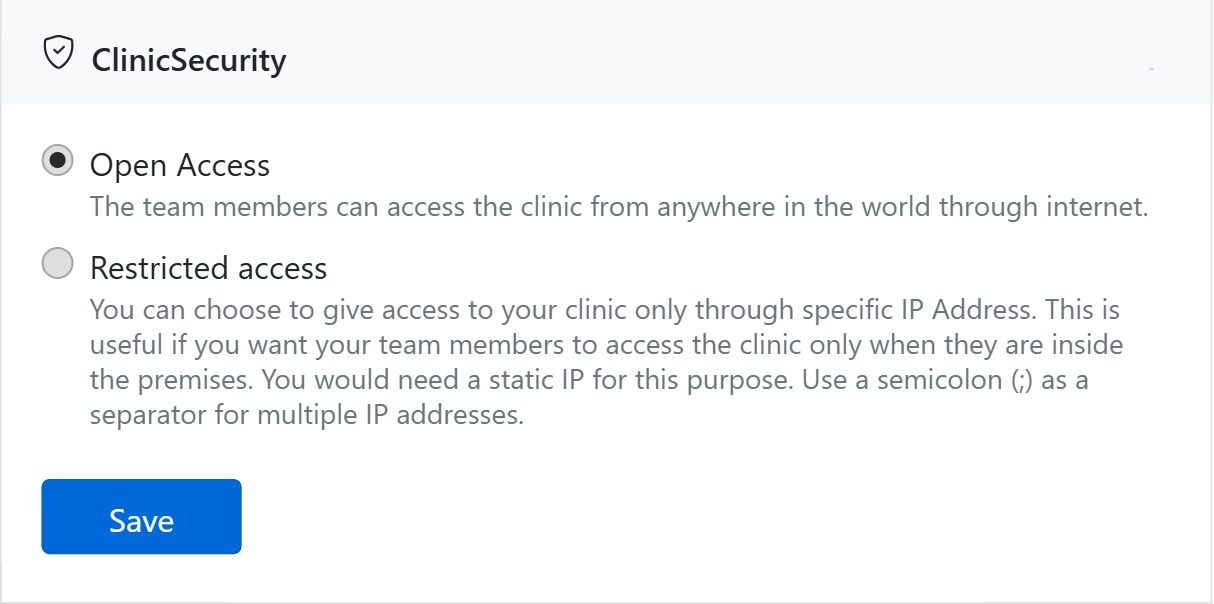
Clinic security controls where your team can log in to CAPS28. It lives in the Clinic Security section of the General page and is one of the most important settings for protecting patient data.
Two access modes
- Open Access — team members can sign in from anywhere over the internet. Convenient for a practice whose staff work remotely or across locations.
- Restricted access — sign-in is allowed only from the IP addresses you list. This confines access to your premises (you’ll need a static IP), so a leaked password alone can’t be used from outside the clinic. Separate multiple addresses with a semicolon (
;).
Setting it up
Choose the mode, enter the permitted IP address(es) if you pick Restricted, and Save. CAPS28 validates the addresses before storing them. You can switch back to Open Access at any time.
Related controls
Access rights (what each user can do once logged in) are set per person on the Team page — security is the combination of the two: restrict where people sign in here, and what they can do there.