
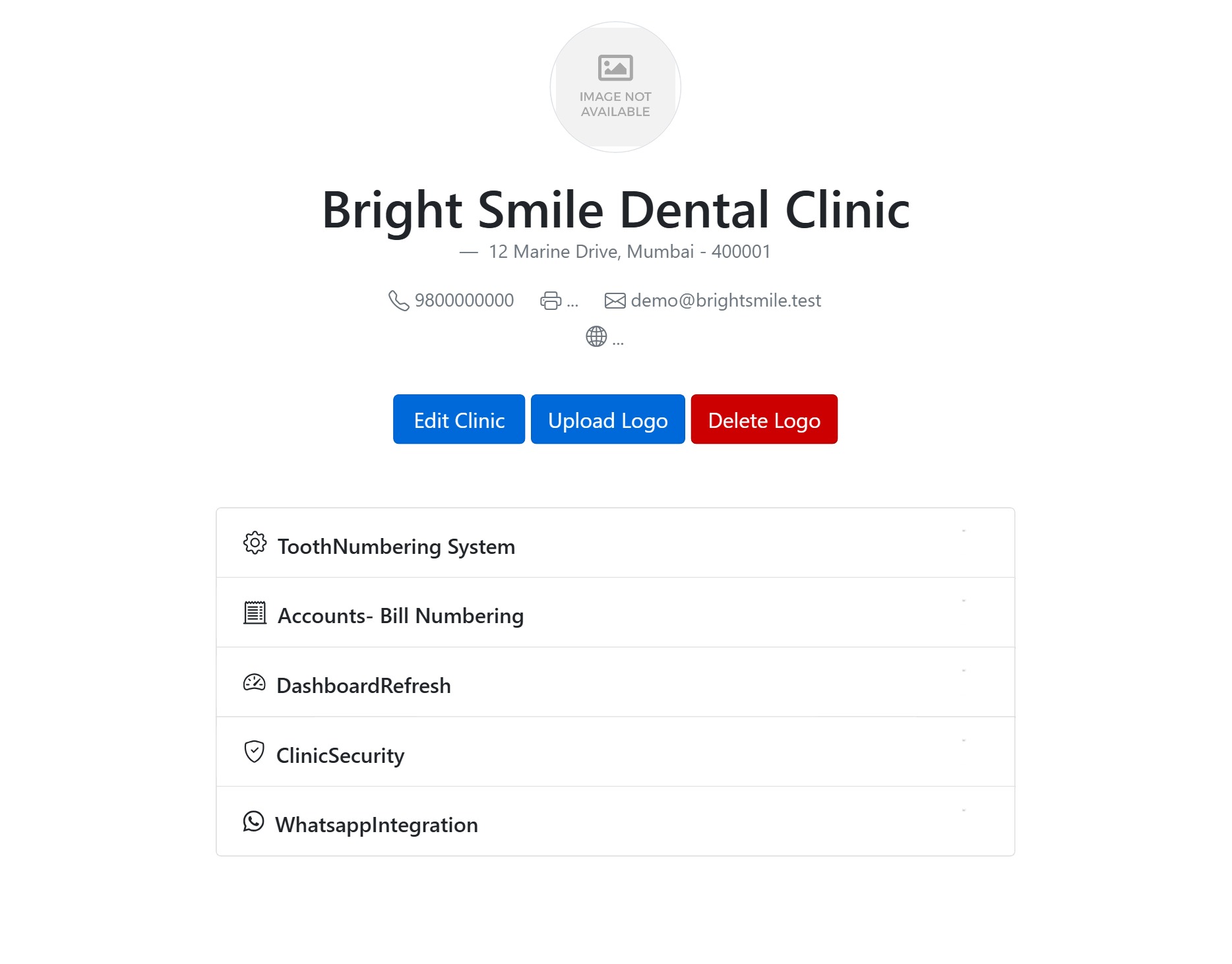
The General page holds your clinic’s identity and the practice-wide preferences that touch every screen. It opens with your profile card — logo, name, address, phone, fax, email and website — and a set of settings beneath it, each covered in its own guide.
Clinic profile & logo
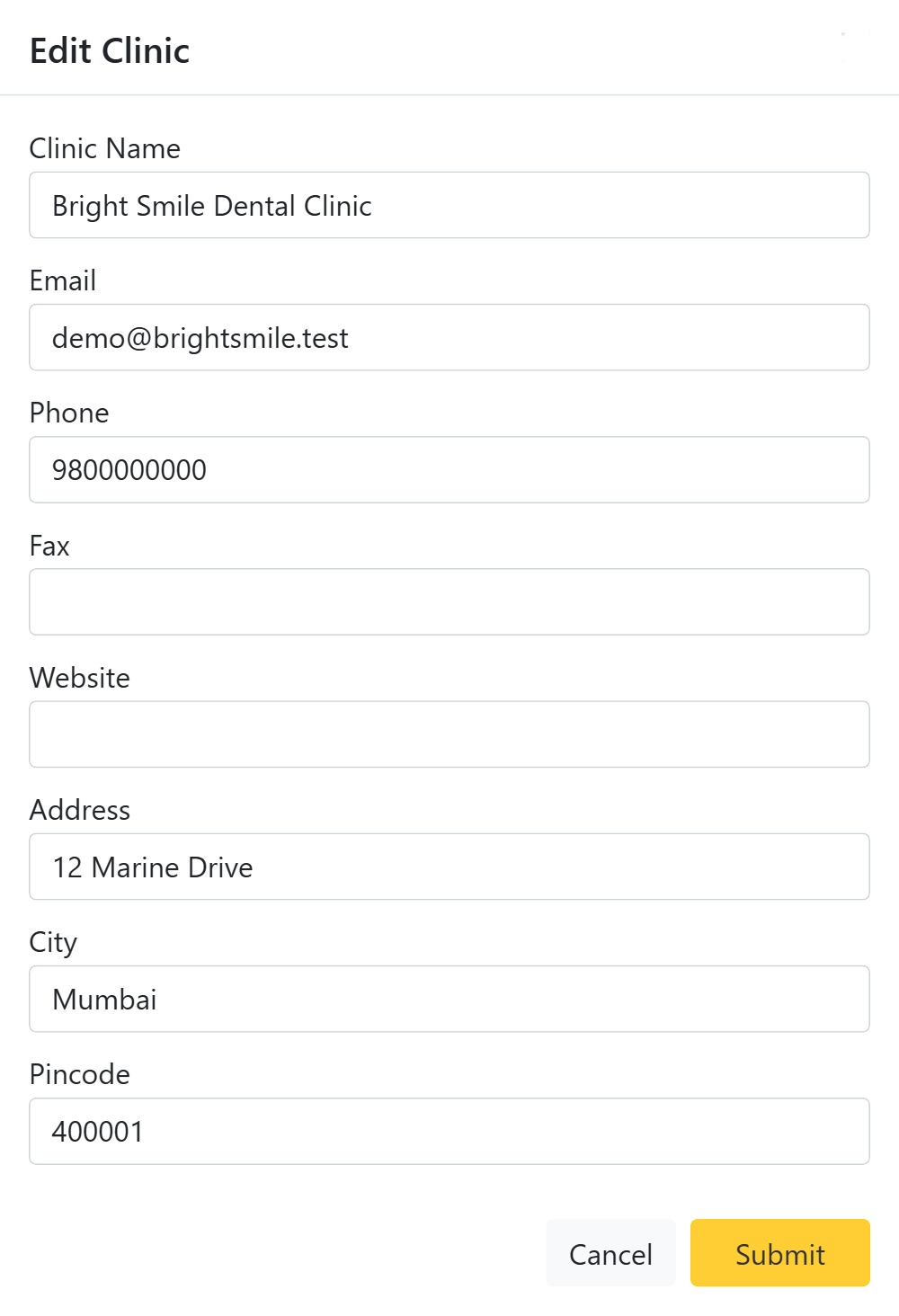
- Edit Clinic — opens a dialog to update the clinic Name, Email, Phone, Fax, Website, Address, City (type three letters and pick from the lookup) and Pincode. The name you set here brands the top bar, printouts and patient messages, so keep it exactly as you want patients to see it.
- Upload Logo — opens an uploader where you choose an image and crop it to a circle before saving; the logo then appears on the profile, in the header and on documents. Delete Logo removes it after a confirmation.
More general settings
The rest of the General page is documented separately:
- Tooth Numbering System — Universal or FDI charting.
- Accounts – Bill Numbering — how invoice numbers are built.
- Dashboard Refresh — auto-refresh interval for the dashboard.
- Clinic security & access control — open or IP-restricted access.
- WhatsApp Integration — send appointments and reminders over WhatsApp.